It reads where you're facing
Google's MediaPipe face tracker measures your head angle and where your eyes point. It runs entirely on your PC.
Umbra watches for your attention through your webcam. The moment you turn away, your screen is covered. Look back and it's there again, before you notice.

Try it here
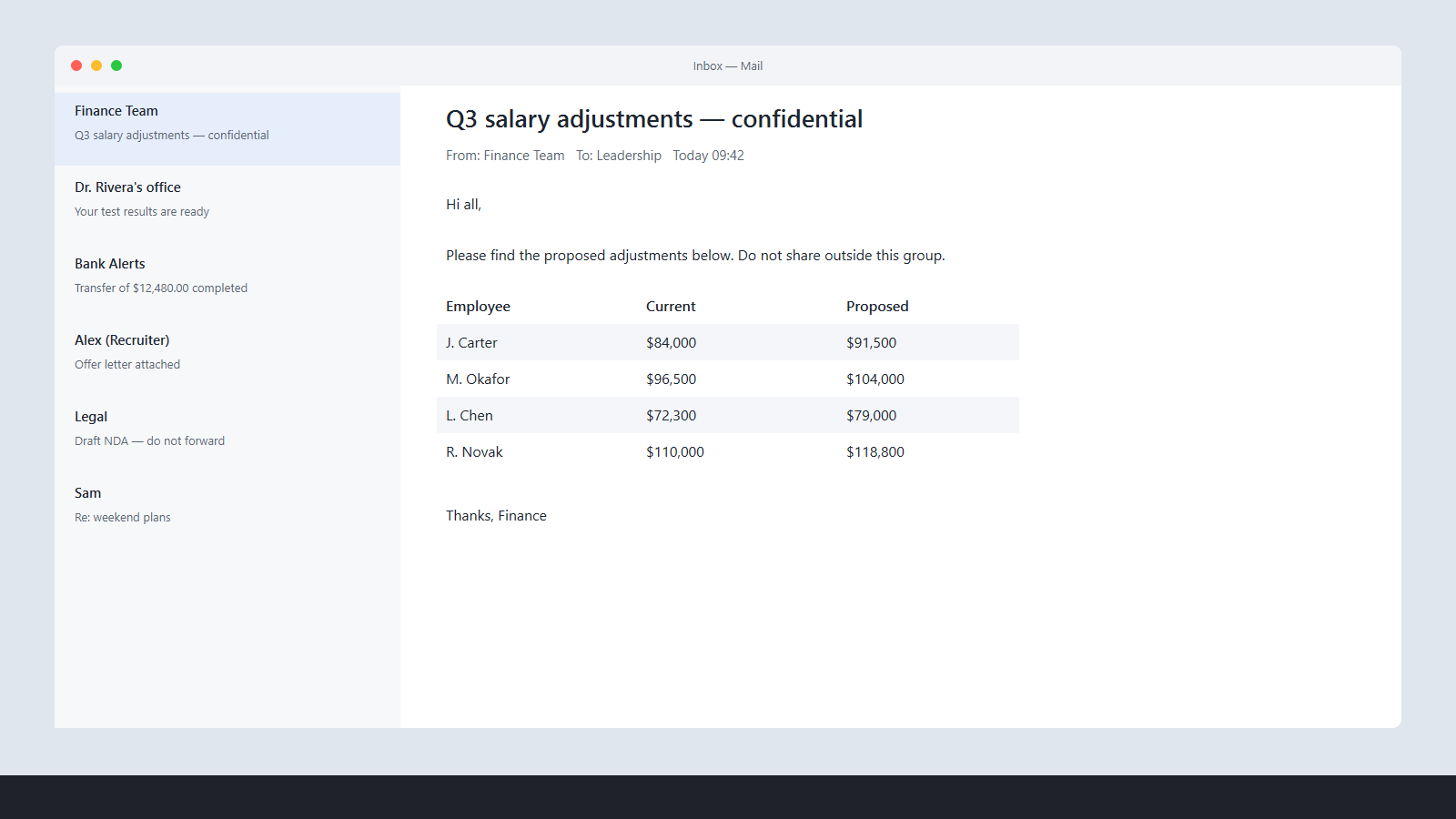
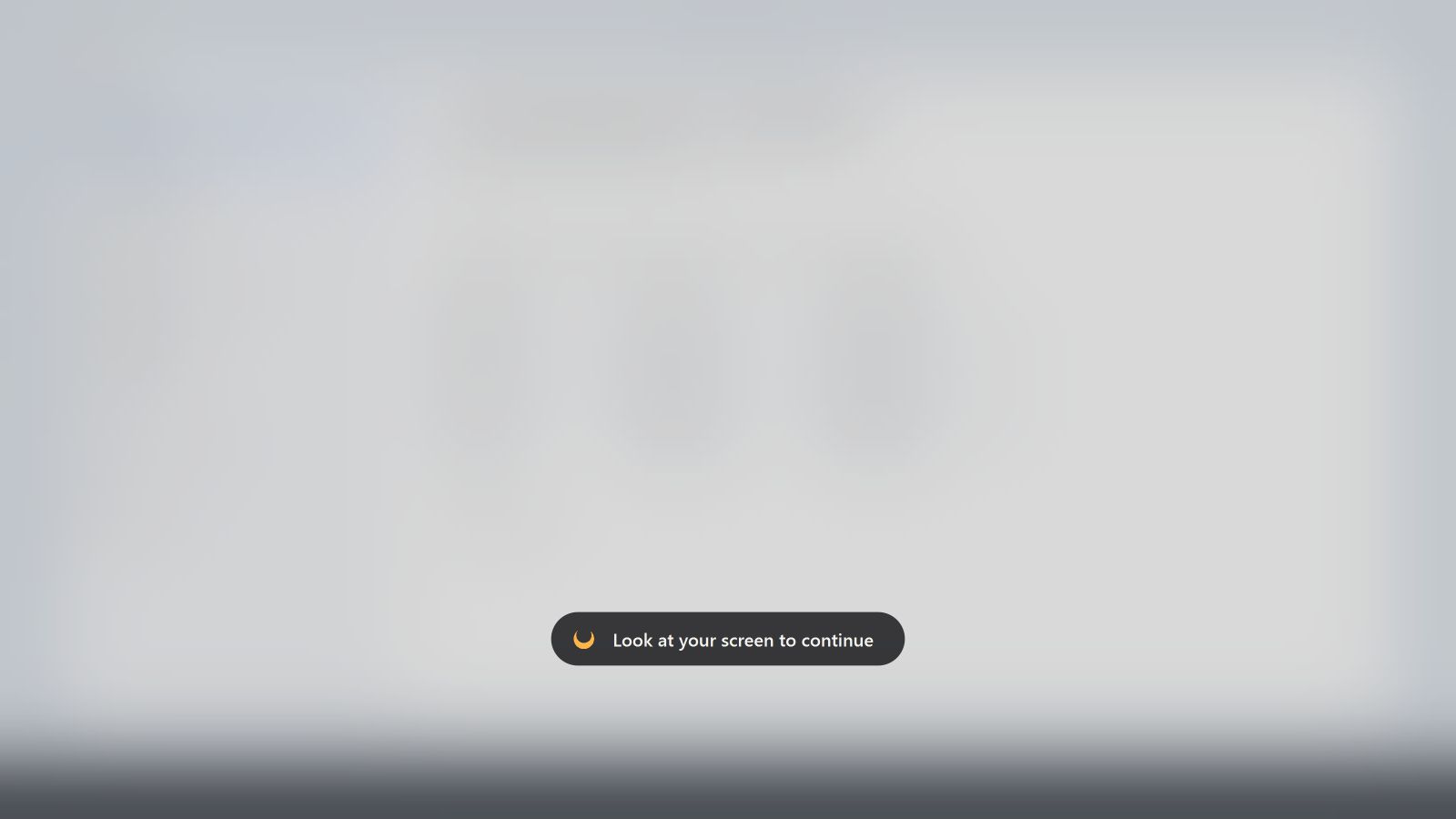
That's roughly what Umbra does with your eyes. It waits 0.7 seconds, so a quick glance won't set it off, then covers everything. Come back and it's gone in about 0.15 s.
Waiting for you to look away…
How it works
Google's MediaPipe face tracker measures your head angle and where your eyes point. It runs entirely on your PC.
Blinks and quick glances don't count. Only when you're really looking elsewhere for 0.7 s does Umbra act.
A blur, your own picture, a GIF or video, or a solid colour, across every monitor. Clicks still pass through.
Features
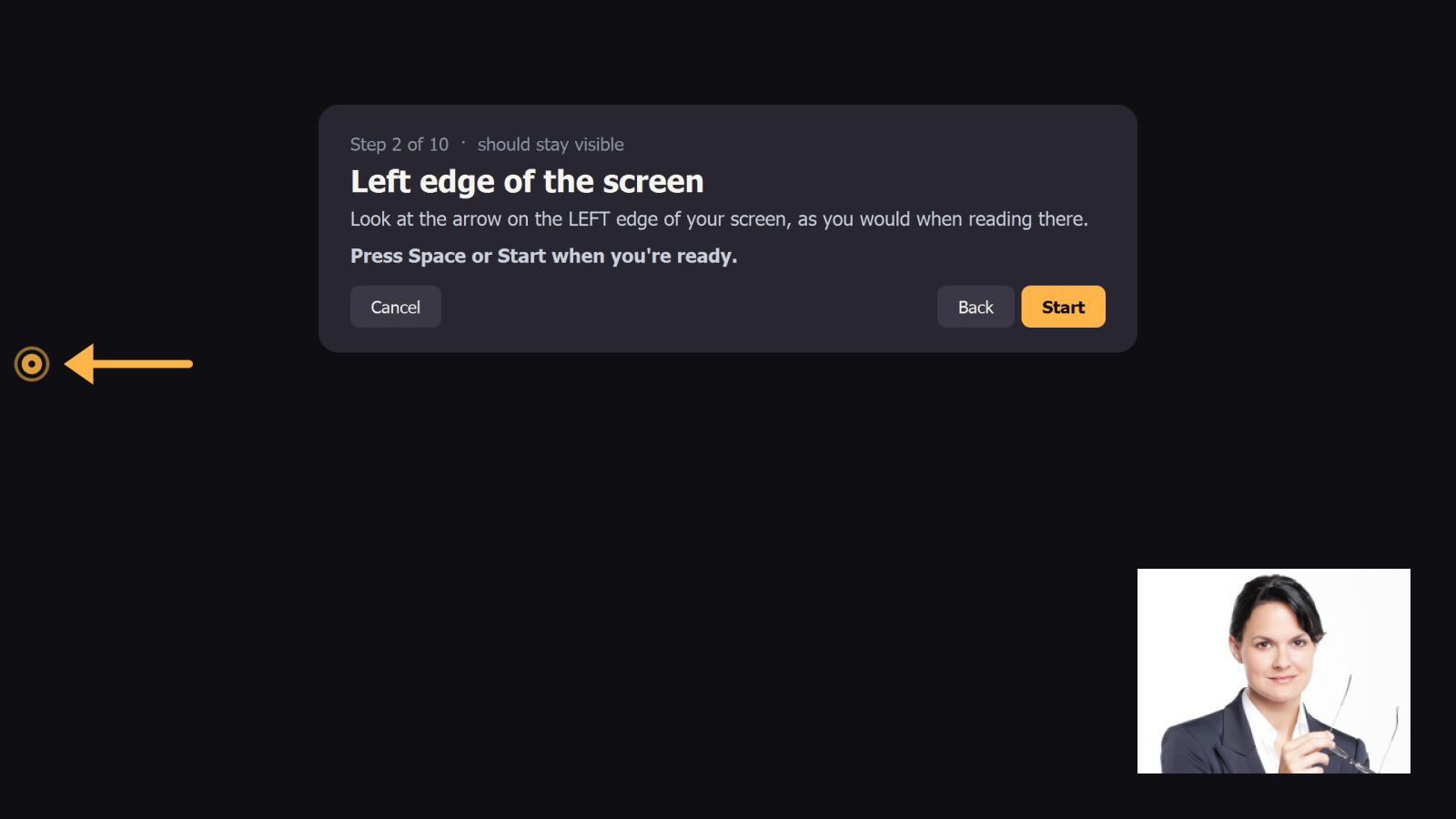
A one-minute wizard has you look at your screen's edges, then away. Umbra learns your limits, wherever your camera sits.
Toggle protection from any app, or pause it for up to an hour.
0.15s
Look back and the cover is gone almost instantly.
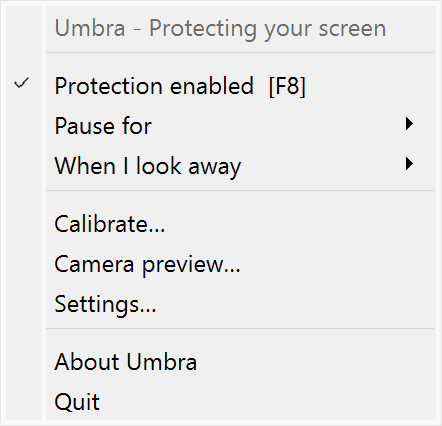
A crescent that turns amber while your screen is hidden. Right-click for everything.
Optionally hide your screen when a second face is looking at it, even while you are too.
Clicks pass through the cover and it never steals focus. If the camera drops, your screen stays visible.
Privacy
Each frame is analysed in memory and thrown away. Umbra makes no network connections, and the camera is released the moment you turn protection off. Don't take our word for it: read the code.
Get started
Run Umbra-Setup.exe. It installs just for you, with no admin prompt.
Look at the dot, the edges, then away. Press Space for each step.
Umbra sits in your tray. Press F8 whenever you want it off.
Want details, settings and troubleshooting? Read the manual →
Thank you
Free for Windows 10 and 11. Open source, forever.